WhatsApp automation
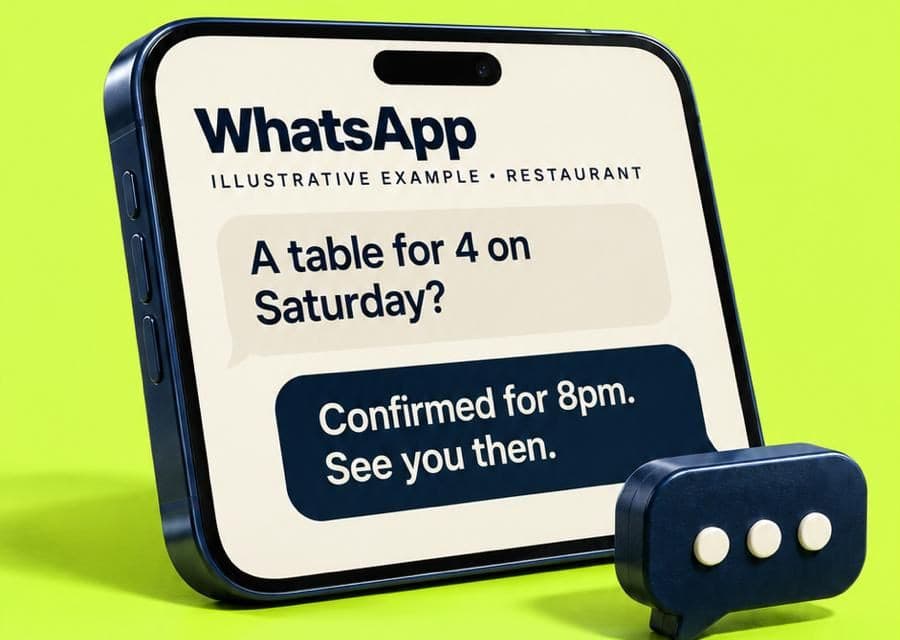
WhatsApp replies in seconds — even at 11pm.
What it does
Fast, friendly and still your business.
Instant replies
Day or night, in your tone, from the information you’ve approved.
Bookings in the chat
It offers real times where your calendar is connected, or takes a booking request.
Photos and details
Customers can send photos of the job; they’re saved with the enquiry for your team.
Confirmations and reminders
Sent on WhatsApp to customers who’ve agreed to them — with an easy way to stop.
Your team can step in
Take over any conversation at any time; ReceptOwl steps back.
Everything saved
The conversation is kept with the lead, so nothing lives only on one person’s phone.
How it works
From first message to booked.
- 01
A customer messages your business number
From a link on your site, your Google profile or a saved contact.
- 02
ReceptOwl replies straight away
In your business’s name and your tone — it answers, or asks what it needs.
- 03
It takes the next step
A booking, a booking request, a quote request or a call-back.
- 04
Confirmations follow
And reminders, if the customer has asked for them.
Straight answers
Good to know.
Knowing the limits is what makes it safe to put in front of your customers.
How it works in practice
- It runs on the WhatsApp Business Platform, which needs Meta business verification. We check with you whether your current number can be used or a dedicated one is better.
- More than 24 hours after a customer’s last message, WhatsApp only allows pre-approved template messages — so reminders and follow-ups use templates Meta has approved.
- Meta charges for some message types; these costs are included in your written quote.
- Customers can stop reminders at any time.
What it won’t do
- Message people who haven’t contacted you
- Send reminders to customers who haven’t agreed to them
- Take card details in the chat
Where it helps most
Built around real workflows.
- Restaurants & cafésTables booked during service. Allergy questions always go to your staff.
- Salons & barbersClients booked with the right stylist, reminders sent, patch-test rules kept.
- Trades & home servicesEmergencies sorted from quotes, job details collected, the right person alerted.
- Gyms & studiosMembership questions answered at 6am and 11pm, trials booked, interest followed up.
Tailored demo
Build your receptionist.
Answer six quick questions and watch it take shape. We then build a demo around your business — your services, your hours, your customers’ questions — and show you how it handles them.
- A demo built on your own services, hours and questions
- Your receptionist, with the name and manner you chose
- A clear picture of going live: channels, connections, cost
Free, no obligation. We never contact your customers, and nothing is connected to your systems for the demo.
Questions
Good to know.
Something we haven’t covered? Ask us directly.
Can I keep my existing WhatsApp number?
Can my team reply in the same conversation?
Why do reminders need templates?
What does WhatsApp cost?
Also part of ReceptOwl
One front desk, every job.

Always ready to answer.
You can close for the night. Your front desk doesn’t have to.
receptowl.com