AI front desk for dental practices
A dental front desk that never leaves a patient on hold.
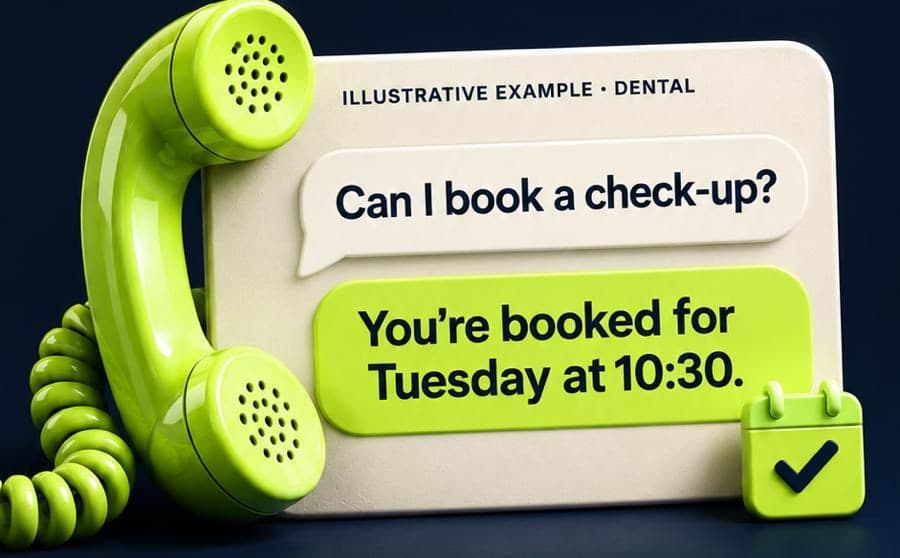
A typical conversation
What it asks, what it keeps, what happens next.
Riverside Dental is a fictional business, but the conversation is exactly how ReceptOwl works.
Riverside Dental
Customer
Could I book a check-up? It’s been a while, to be honest.
ReceptOwl
Of course — good to hear from you. I’ve Tuesday at half ten or Thursday at quarter past four. Which suits?
What ReceptOwl captured
- Appointment
- Check-up · returning patient
- Preferred
- Tuesday 10:30
- Notes
- No clinical details taken
- Contact
- Orla · 086 000 0000
The problem
Where enquiries get lost.
- 01
Reception is with a patient
The phone rings while someone’s checking in, paying or booking their next visit. Callers on hold hang up — and new patients rarely ring twice.
- 02
People remember in the evening
Plenty of people only get round to booking the dentist after work. If the practice is closed, it goes on a list and gets forgotten.
- 03
The same questions, all day
“Are you taking new patients?”, “Do you see medical card patients?”, “How much is a scale and polish?” — fair questions that tie up the front desk.
Built for your front desk
The questions it answers. The details it takes.
Handles
- Check-ups and hygiene appointments
- New-patient enquiries — whether you’re taking them is your call
- Fees you publish for common treatments
- PRSI and medical card questions, from your approved answers
- Opening hours, parking and access
- Moving and cancelling appointments within your rules
Collects
- Name, date of birth and mobile number
- New or existing patient
- The type of appointment — in general terms, not clinical detail
- Preferred days and times
- How they’d like to be reminded
What happens next
Every enquiry ends with a clear next step.
- 01
Booked appointment
Where your practice software can be connected and tested, it offers real slots and books them.
- 02
Appointment request
Otherwise, a complete request lands with reception, ready to confirm first thing.
- 03
Clinical questions to your team
Pain, swelling or questions about treatment go to the practice with a summary, following your rules.
- 04
Reminders
The day before, by text, where the patient has agreed — fewer empty chairs.
Straight answers
Straight to you when it matters.
ReceptOwl handles the everyday on its own. You decide what should come straight to you — these are the usual rules, and yours may differ.
Comes straight to you when there’s…
- Dental pain, swelling, bleeding or an injury — handled by your emergency rules
- Questions about treatment, results or medication
- Complaints and billing disputes
- Anything about a child’s care that needs a clinician
- The patient asks to speak to someone at the practice
What it won’t do
- Give clinical advice, diagnose or suggest treatment
- Ask for medical history over the phone or in a chat
- Promise an emergency slot your team hasn’t released
Works with what you use now.
Dental practice software varies. Where yours offers an integration we can use and test, ReceptOwl sees real availability and books. Where it doesn’t, appointment requests go to reception by email or text, and patients are told the practice will confirm.
A good fit if…
- Reception misses calls when it’s busy with patients
- You get enquiries in the evening and at weekends
- Patients ask the same fee and eligibility questions
- You want every new-patient enquiry captured
Tailored demo
Build your receptionist.
Answer six quick questions and watch it take shape. We then build a demo around your business — your services, your hours, your customers’ questions — and show you how it handles them.
- A demo built on your own services, hours and questions
- Your receptionist, with the name and manner you chose
- A clear picture of going live: channels, connections, cost
Free, no obligation. We never contact your customers, and nothing is connected to your systems for the demo.
Questions
Dental practices: questions.
Something we haven’t covered? Ask us directly.
What happens if a patient calls with dental pain?
How is patient information handled?
Can it answer PRSI and medical card questions?
Can patients cancel or move appointments?
Keep exploring
Related industries and solutions.
- AI phone answeringEvery call answered in your name — when you’re busy, after a few rings or after hours.
- Booking automationReal times offered and booked by your rules — or a complete request when your diary isn’t connected.
- AI receptionistYour whole front desk — calls, messages, bookings and handover — in one.
- ClinicsPhysio and private clinics: appointments booked, clinical questions kept with clinicians.
- Salons & barbersClients booked with the right stylist, reminders sent, patch-test rules kept.
- Gyms & studiosMembership questions answered at 6am and 11pm, trials booked, interest followed up.